Telos Infinity Dashboard Enterprise Software Overview
Telos Infinity Dashboard Enterprise represents an optimized configuration and system management tool for systems of any size that unlocks the full potential of the multi-award-winning Telos Infinity matrix-free IP Intercom System.
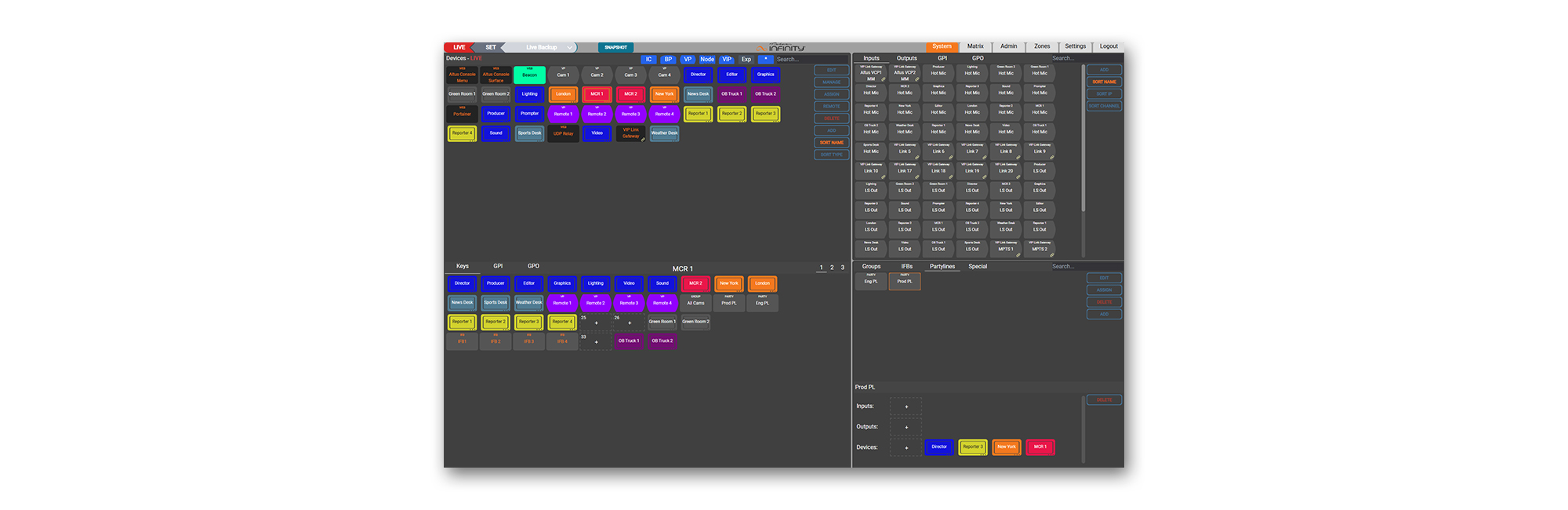
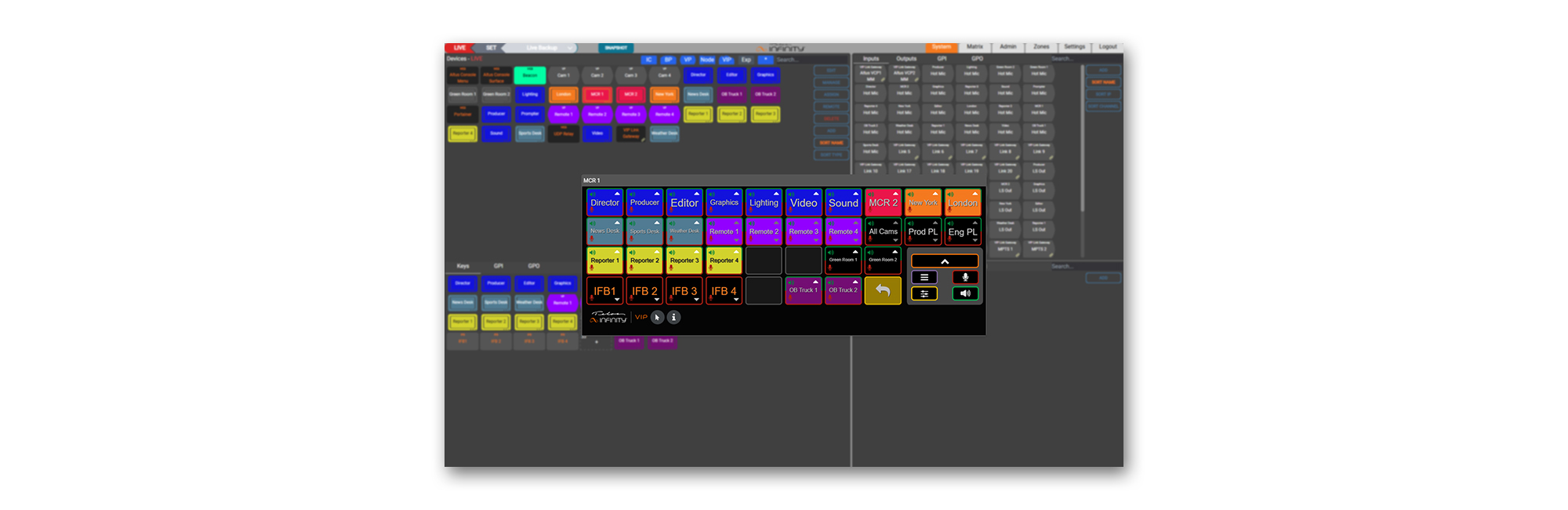
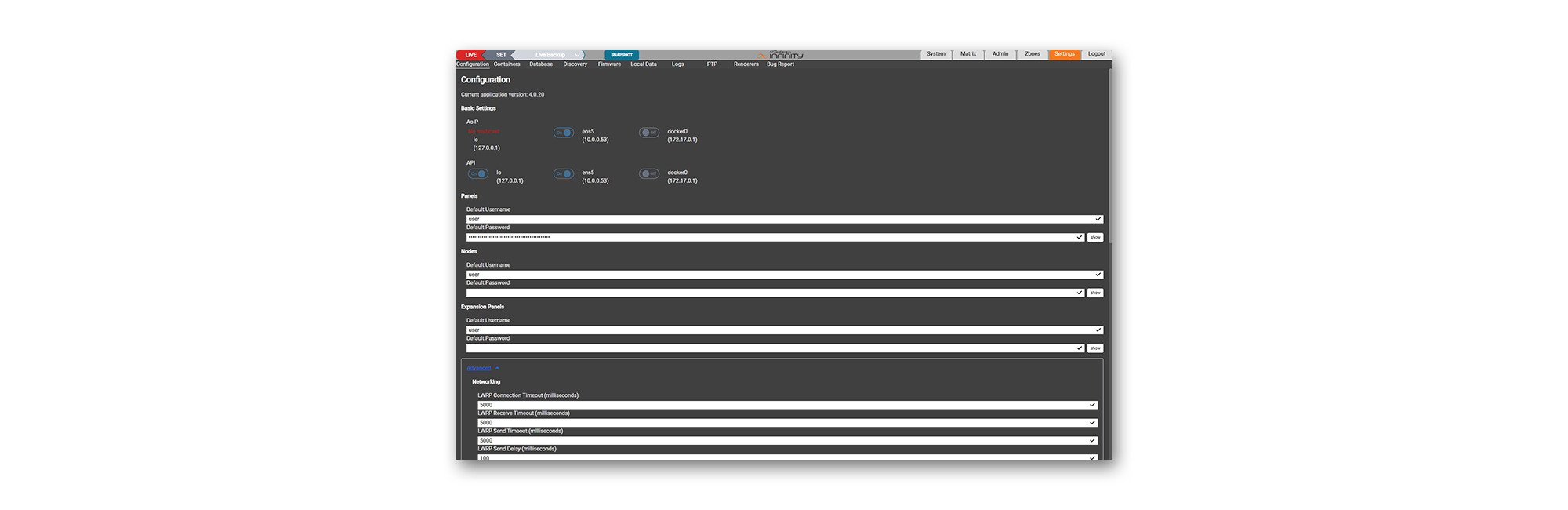
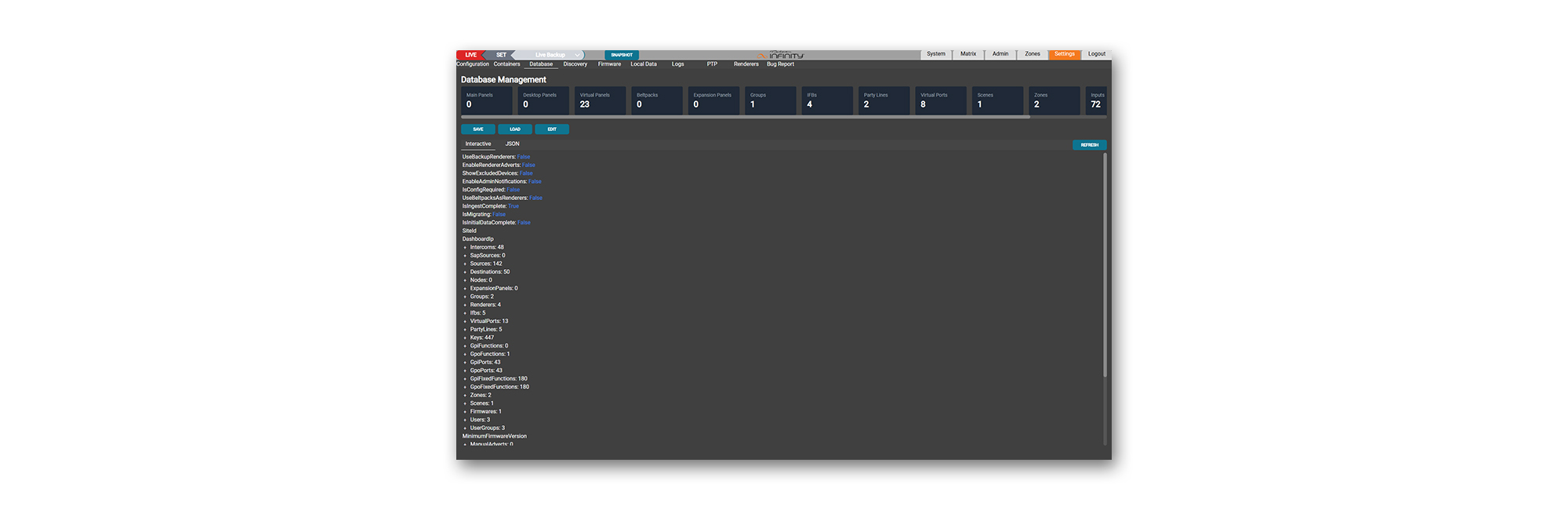
Available in Windows and Linux versions, Dashboard Enterprise is accessible through an HTML5 browser interface that supports single or multiple user workflows on-premises or in the cloud. By displaying the entire Intercom system as a single page view without the clutter of multiple tabs and embedded menus, the operator can navigate quickly and, within minutes, take control to create or manage a working IP Intercom. Much more than a simple configuration tool, Dashboard also manages all hardware and software elements within the system, including software and firmware updates, and monitors network performance and fault logging.
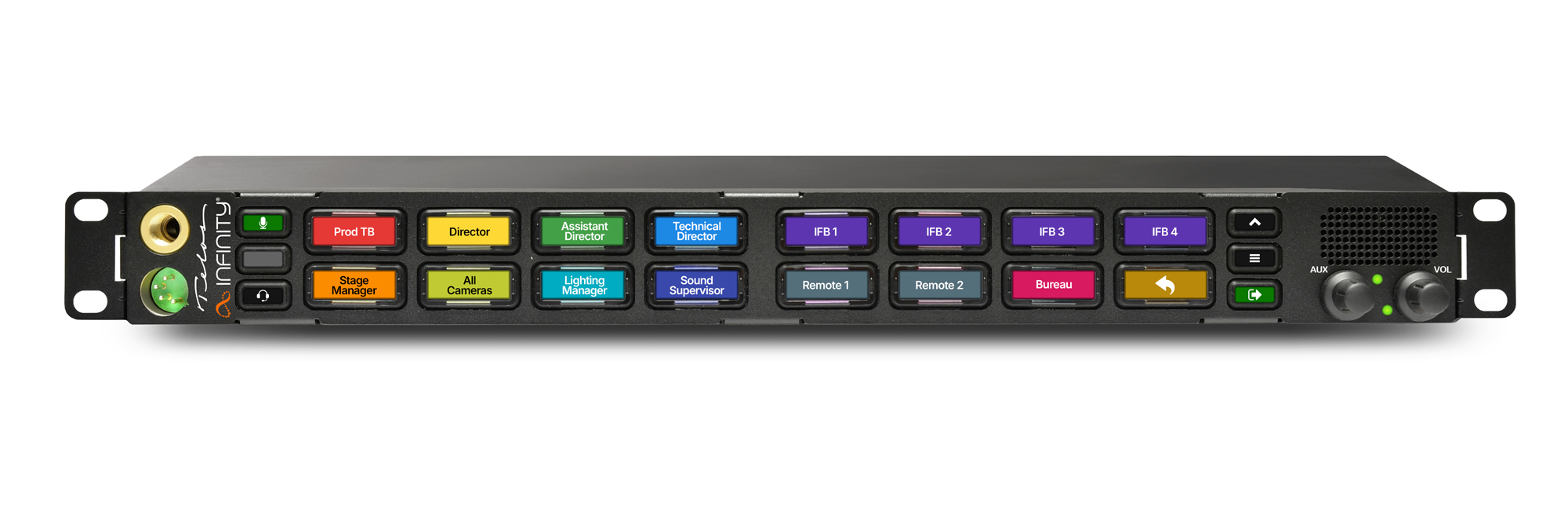
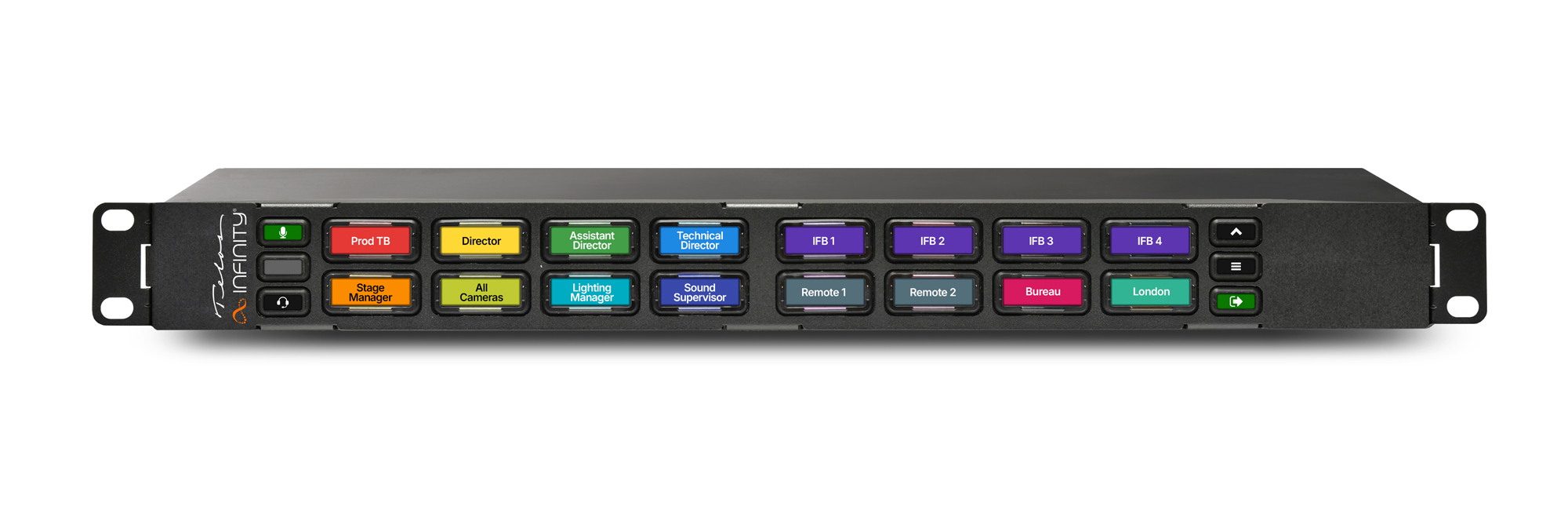
Dashboard Enterprise allows users to create unlimited Groups, Partylines, and IFBs, drag-and-drop functions directly onto Panel and Beltpack keys in real-time, and manage AoIP sources and destinations as though they are physical ports on a virtualized Intercom matrix. Remote control of Panels, Desktop Stations, and Beltpacks is now possible via the web interface for all Infinity systems.
Telos Infinity Dashboard Enterprise Software Features
-
Optimized user experience
-
Online and offline configuration
-
Windows and Linux versions available
-
Create unlimited Groups, Partylines, and IFBs
-
Drag-and-drop system configuration
-
Remote control of Panels, Desktop Stations, and Beltpacks
-
Manages all Telos Infinity and Telos Alliance AoIP devices
-
Livewire+ AES67 source and destination management (virtual matrix ports)
-
GPIO / Logic configuration and management
-
Matrix system overview (Version 4.0 and above)
-
Constantly-updating system database backup
-
System ‘renderer’ DSP management and overview
-
Docker Container Management (VIP systems only)
-
Native AES67 input/output support for all Livewire+ and non-Livewire+ streams (including SAP discovery and advertisement)
-
Drag-and-drop Intercom Device copy and cloning of Panel and Beltpack configurations
-
System Zones enable user-restricted or bespoke system viewports
-
System Scenes enable multiple ‘snapshots’ for offline creation, save, and live recall of show-specific configurations
-
ISO Keys
-
Zone by Zone System Update Tool (allows the user to choose when and what hardware devices to update)
-
Single Sign On (SSO) support option - contact your Telos Infnity partner for more information
-
Granular Admin rights control
Additional features like System Zones and Scenes enable the user to define dedicated system views of specific components and quickly create snapshots (Scenes) for different productions and applications. Tailored access to specific Zones and Scenes, as well as offline configuration modes, is protected by centrally managed user rights administration, ensuring that operators at all levels have restricted access to the resources that they need. Zones and Scenes can be edited, cloned, and recalled both in Live and Offline modes.
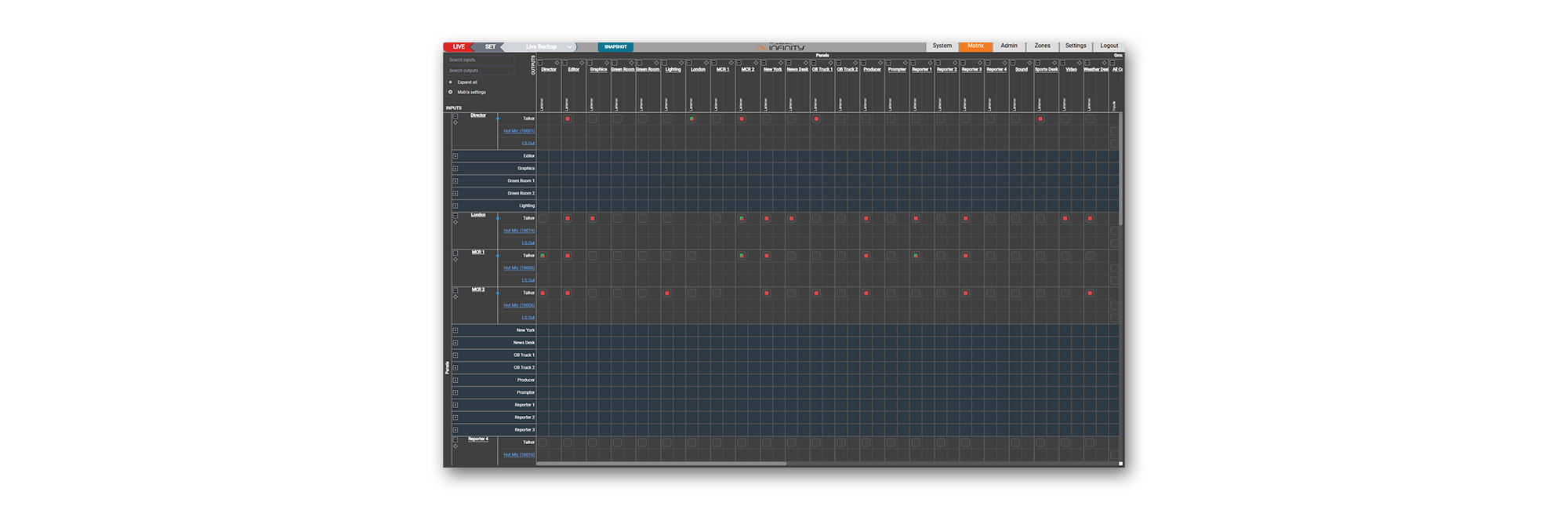
Dashboard Enterprise is constantly being improved, and recent and forthcoming releases include features like ‘Matrix View’, which gives the user an overview of the entire ‘live state’ of the intercom and all connected peripherals. Recent additions for Infinity VIP users include direct control over software containers (Docker instances), management of CPU pinning, and version control.
Critical for use within the wider Audio over IP ecosystem, Dashboard Enterprise supports SAP for AES67 discovery and advertisement, enabling a direct connection of third-party AES67 streams, including SAP for Dante and future NMOS modes.